
Suffolk City Municipal Warrant Process
Suffolk City has no separate municipal court. City cases land on the General District Court docket instead. That court hears adult traffic, misdemeanors, felony preliminary matters, and city-case business. A capias or bench warrant can grow out of the case itself or from a missed court obligation. The docket label does not create a second city court. Start with the GDC Clerk, who can identify the process and the next date. If the question is whether local process is outstanding, Suffolk Police comes next. Always ask the court that holds the record first.
Suffolk City Warrant Cases Have No Separate Municipal Court
The word “municipal” can mislead. Suffolk City places its city cases on the General District Court docket rather than in a separate courthouse. Do not hunt for a Suffolk municipal judge, court clerk, or warrant portal. The local GDC page carries the court contact, calendar, and procedure. A city-code or traffic matter still carries real court process. It simply runs through the court named on the summons.
Local distinction: Suffolk city cases route through GDC. Confirm the court and case number on the paper before using a payment or records channel.
Which Suffolk City Courts Handle Municipal Cases
General District Court hears adult traffic, misdemeanors, city cases, felony preliminary hearings, and small civil matters. Circuit Court takes felony trials and later capias events. J&DR covers juvenile, custody, support, and family cases, with restricted public access. The Magistrate's Office reviews new complaints, issues criminal process, and sets initial bail. Each office answers a different piece. Match your warrant question to the Suffolk City court that holds it.
| Court or office | Matters | Warrant question |
|---|---|---|
| Suffolk GDC | Traffic, misdemeanor, city case | Call clerk at 757-514-4822 |
| Suffolk Circuit | Felony trial and related process | Call Circuit Clerk at 757-514-7800 |
| Suffolk J&DR | Juvenile and family matters | Call clerk; no public online case result |
| Magistrate | New complaint, probable cause, initial bail | Not the clerk for an existing case |
Suffolk GDC City-Case Docket and Warrant Questions
The published Suffolk General District Court calendar lists city cases on the first Thursday of the month at 2 p.m., with parking violations on the third Thursday at 2 p.m. Those entries are schedules, not promises. The same court also runs weekday arraignments and other criminal sessions. Call the clerk to confirm the live schedule. Ask about continuance options and whether an active capias or show-cause order appears in the case. A missed date belongs with the case clerk. In Suffolk City, the judge or an authorized judicial officer decides any recall, reset, or other court action, not the Sheriff's Office.
How to Check Suffolk City-Case Warrants
Search OCIS by name, case number, or hearing date first. Then use the local Suffolk City GDC tool for the court-level case. Its interface offers Current, Archived, and All data. For an outstanding warrant or summons, call the SPD Warrant Clerk at 757-514-7922. Ask which process is recorded, which court issued it, and what the clerk needs. J&DR information stays out of the public system and takes a direct call.
- Read the summons or court notice for court and number.
- Search Suffolk GDC and OCIS, using the specific court when needed.
- Call SPD to confirm outstanding warrant or summons status.
- Call the issuing clerk about dates, payment, recall, or filing.
- Keep receipts and written court orders.
Suffolk City Warrant Search Through Local GDC
The local General District Court system is the court-level route for Suffolk City cases. Search by court, name, case number, or hearing date. Current, Archived, and All options help when an older entry is missing from the current set. Payment appears only for eligible cases. Paying does not prove a warrant or capias was recalled. The Suffolk General District Court contact page shows the schedule and the clerk's contact details. That page is public court information, not a private case result.
Confirm payment and process status with the clerk before relying on an online action.
Inside a Suffolk City-Case Warrant Record
A case result may identify the court, defendant, number, charge, offense date, hearing, and disposition. The police record, affidavit, and bond terms may be missing. A name match is not enough. Verify the case number and court with the GDC Clerk, especially when the name is common in Suffolk City. Those are the fields worth asking about.
| Case number | GT / CR format Match it to the court paper. |
|---|---|
| Charge | City, traffic, or misdemeanor offense listed in the case. |
| Hearing | Scheduled date; call if it has changed. |
| Process | Summons, capias, or other entry; confirm with the clerk. |
| Disposition | A case action, not always a warrant recall. |
Civil and Criminal Suffolk City Warrants Differ
Virginia uses “civil warrant” for a court summons or claim in some General District Court matters. That paper is not automatically a criminal arrest warrant. A criminal arrest warrant follows probable-cause review. A bench warrant or capias can follow a missed court date, a release violation, or a payment-order default. Read the caption. Ask the clerk which type of process the docket shows. In Suffolk City, never assume a civil paper allows arrest or that a payment screen clears a criminal case. Virginia Code § 19.2-358 lays out a show-cause or capias path for certain defaults on fines, costs, restitution, and payment orders.
Resolve a Suffolk City-Case Warrant
Call the GDC Clerk before you appear. Ask whether the court expects payment, a motion, a show-cause hearing, a new date, or an attorney-coordinated surrender. If Suffolk City police confirm an outstanding warrant, ask which court issued it. There is no published walk-in surrender window or public bond schedule here. A receipt shows money changed hands. Only a court order proves a recall. For a traffic infraction failure to appear alone, Virginia's § 46.2-938 bars the warrant, though other charges or court orders may differ.
Ask Suffolk GDC About a City Warrant
One phone call will not cover it in Suffolk City. The GDC Clerk at 757-514-4822 answers docket, payment, and capias questions on adult city cases, while Suffolk Police at 757-514-7922 confirm an outstanding warrant or summons. Service confirmation belongs to police, and the clerk controls the filing path. So keep your case number ready and ask each office for its current instruction.
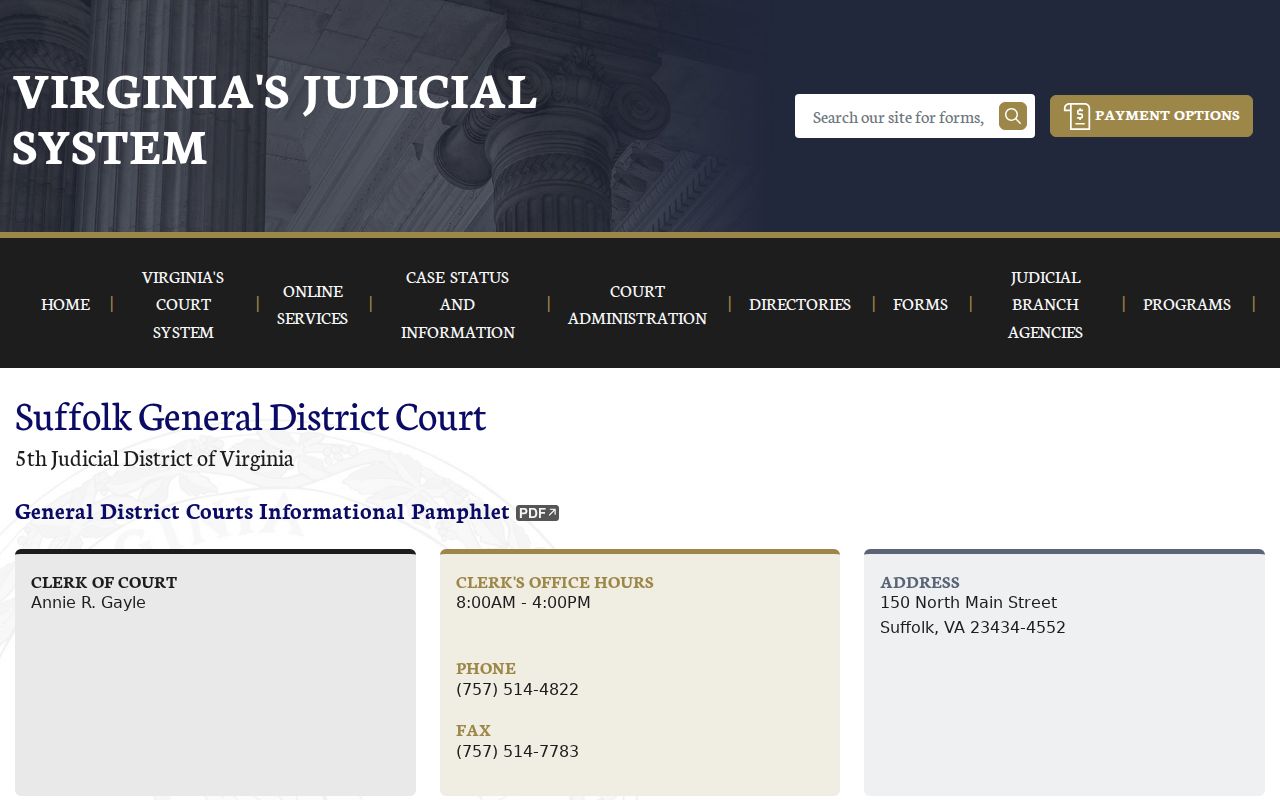
Suffolk General District Court Clerk
150 N Main Street, Suffolk, VA 23434
757-514-4822
Suffolk City Warrant Records and Public Access
Virginia FOIA opens many existing public records, though exemptions apply. Sealed files, juvenile information, and certain investigative records can be withheld or redacted. In Suffolk City the FOIA office, the court clerks, SPD, and the Sheriff's Office each hold different records, so a request should name the record and the office, and ask about cost up front. No request creates a new citywide warrant database. For current access, call the office listed on the record, or use the Suffolk City warrant overview to find the right court and police contact.
Keep Suffolk City-Case Warrant Proof
Paper is your protection on any Suffolk City case. Save the payment receipt, any motion or court order, the next hearing date, and the name of the office that confirmed the process. Ask when OCIS or the local GDC view should update, then check with the clerk and police if the case still shows active online. A closed payment screen, a court appearance, and a warrant recall are three separate events. Keep proof of each one that applies.